ipconfig.se /
Privacy policy /
Network
Security Notes
/ Privacy and security tips
- Use a VPN to hide your real IP address and encrypt your internet traffic.
- Keep your software and devices updated to protect against vulnerabilities.
- Be cautious when sharing personal information online.
- Regularly review your privacy settings on social media and other platforms.
What is an IP address?
An IP (Internet Protocol) address is a unique identifier assigned to devices connected to a network, allowing them to communicate with each other over the internet. It functions similarly to a mailing address, enabling data packets to be sent and received between devices.
How public IPs work
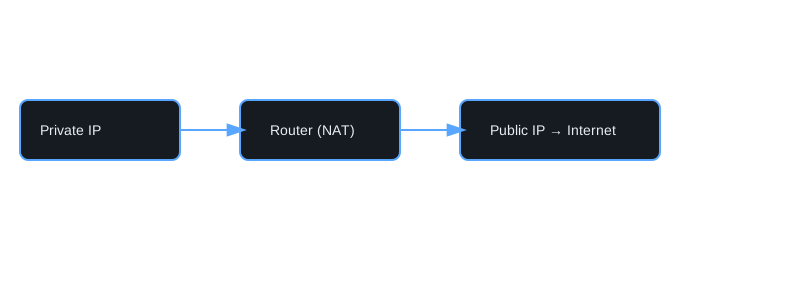
Your public IP address is assigned by your Internet Service Provider (ISP) and is used to identify your network on the internet. When you access websites or online services, your public IP address is visible to those services, allowing them to send data back to your device. Public IPs can be either static (unchanging) or dynamic (changing periodically).
Why your IP changes
Your IP address may change for several reasons, including:
- Dynamic IP allocation: Many ISPs use dynamic IP addressing, meaning your IP can change each time you connect to the internet or after a certain period.
- Network changes: Changes in your network setup, such as switching routers or ISPs, can result in a new IP address.
- Use of VPNs or proxies: If you use a Virtual Private Network (VPN) or proxy service, your public IP address will appear as that of the VPN or proxy server instead of your actual location.